ขั้นตอนการเทรดบนมือถือแบบมืออาชีพA Professional Mobile Trading Workflow
ลำดับงานก่อน ระหว่าง และหลังเทรดบนมือถือ ที่ช่วยลดการกดพลาด การเทรดตามอารมณ์ และทำให้ผลวัดได้A before, during and after routine for trading on a phone that cuts mis-taps and emotional trades and keeps your results measurable.
ในบทความนี้ · 8
In this article · 8
เทรดเดอร์จำนวนมากใช้มือถือเป็นเครื่องหลัก ข้อดีคือสะดวกและไม่พลาดจังหวะ แต่ข้อเสียคือจอเล็ก กดพลาดง่าย และอยู่ใกล้ตัวตลอดเวลาจนเปิดไม้ตามอารมณ์ได้ทุกเมื่อ ความต่างระหว่างการเทรดบนมือถือแบบมือสมัครเล่นกับแบบมืออาชีพไม่ได้อยู่ที่แอป แต่อยู่ที่ลำดับขั้นตอนที่ทำซ้ำทุกครั้ง
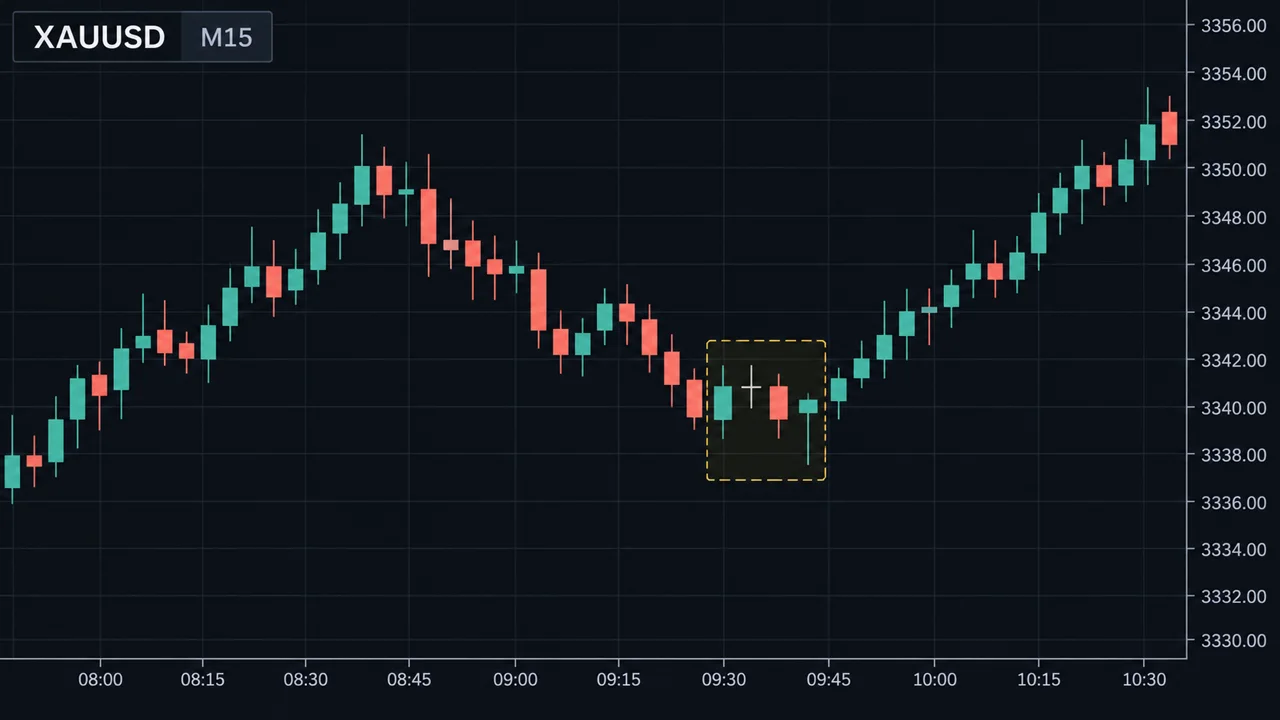
ดูภาพด้านล่าง
ตั้งค่าเครื่องและแอปก่อน
- ปิดการเทรดคลิกเดียว (One-click trading) ถ้าแอปมี ให้ต้องผ่านหน้ายืนยันคำสั่งทุกครั้ง
- ตั้งล็อตเริ่มต้นให้เล็กที่สุด เพื่อให้การกดพลาดมีผลน้อยที่สุด
- จัดรายการสัญลักษณ์ (Watchlist) ให้เหลือเฉพาะตลาดที่อยู่ในแผน ไม่ต้องเห็นทุกคู่
- ตั้งค่ากราฟและเทมเพลต ใช้อินดิเคเตอร์ชุดเดียวกับที่ทดสอบระบบ
- ล็อกเครื่องและแอปด้วยรหัส และเปิดการยืนยันตัวตนสองชั้นของอีเมลที่ใช้กับโบรกเกอร์
ก่อนเทรด: วางแผนแล้วรอแจ้งเตือน
- ทุกเช้าหรือก่อนช่วงตลาดที่จะเทรด ดูกรอบเวลาใหญ่ ทำเครื่องหมายแนวรับแนวต้านสำคัญ
- เช็คปฏิทินข่าว ว่ามีข่าวแรงในช่วงที่จะเทรดไหม
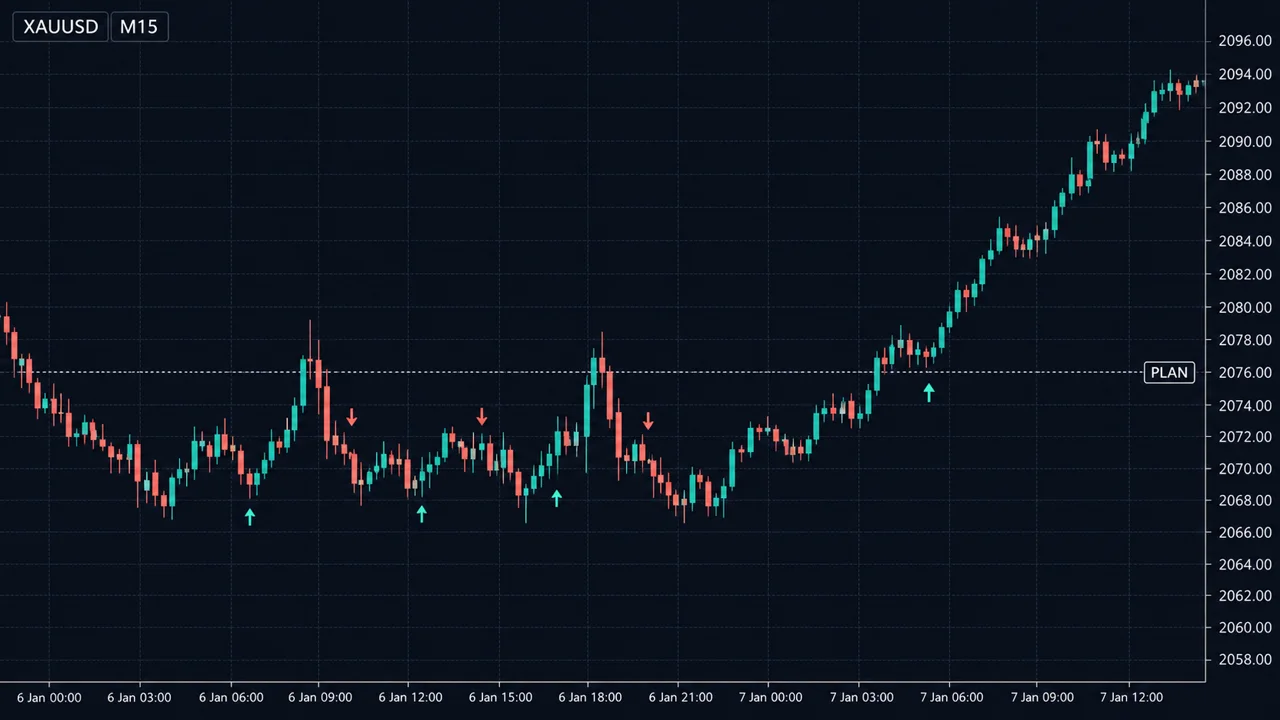
- ตั้ง การแจ้งเตือนราคา (Price alert) ที่ระดับที่สนใจ แล้ววางมือถือลง การรอแจ้งเตือนแทนการเฝ้าจอ ลดการเปิดไม้ที่ไม่อยู่ในแผนได้มาก
ระหว่างเทรด: เช็คลิสต์ก่อนกด
เมื่อแจ้งเตือนดัง อย่ากดทันที ให้ไล่เช็คลิสต์สั้น ๆ ทุกครั้ง
- เงื่อนไขเข้าไม้ครบตามระบบหรือไม่
- SL อยู่ที่ไหน ระยะเท่าไหร่
- คำนวณล็อตจากเงินที่ยอมเสีย
- TP หรือแผนออกคืออะไร
- วันนี้ขาดทุนถึงขีดจำกัดหรือยัง
แล้วใส่ SL และ TP ในหน้าส่งคำสั่งเลย ไม่ใช่ "เดี๋ยวค่อยใส่" เพราะสัญญาณมือถือหลุดหรือแบตหมดได้ทุกเมื่อ ถ้าอยากรู้ว่าในอดีต ราคาในสถานการณ์คล้ายกันมักวิ่งสวนก่อนไปต่อไกลแค่ไหน ใช้ เครื่องมือวิเคราะห์ภาพกราฟ ช่วยประกอบการวาง SL ได้
บัญชี $800 ยอมเสีย 1% = $8 ต่อไม้ EURUSD SL 20 pips: ล็อต = 8 ÷ (20 × 10) = 0.04 ล็อต ทองคำ SL $4: ล็อต = 8 ÷ (4 × 100) = 0.02 ล็อต ถ้าพิมพ์พลาดเป็น 0.40 แทน 0.04 บน EURUSD: ขาดทุนถ้าโดน SL = 20 × 10 × 0.40 = $80 = 10% ของพอร์ต ถ้าพลาดเป็น 1.00 ล็อต: 20 × 10 × 1.00 = $200 = 25% ของพอร์ต ในไม้เดียว ทศนิยมตำแหน่งเดียวบนจอเล็ก เปลี่ยนความเสี่ยง 1% เป็น 10% ได้ทันที จึงต้องอ่านตัวเลขล็อตในหน้ายืนยันทุกครั้ง
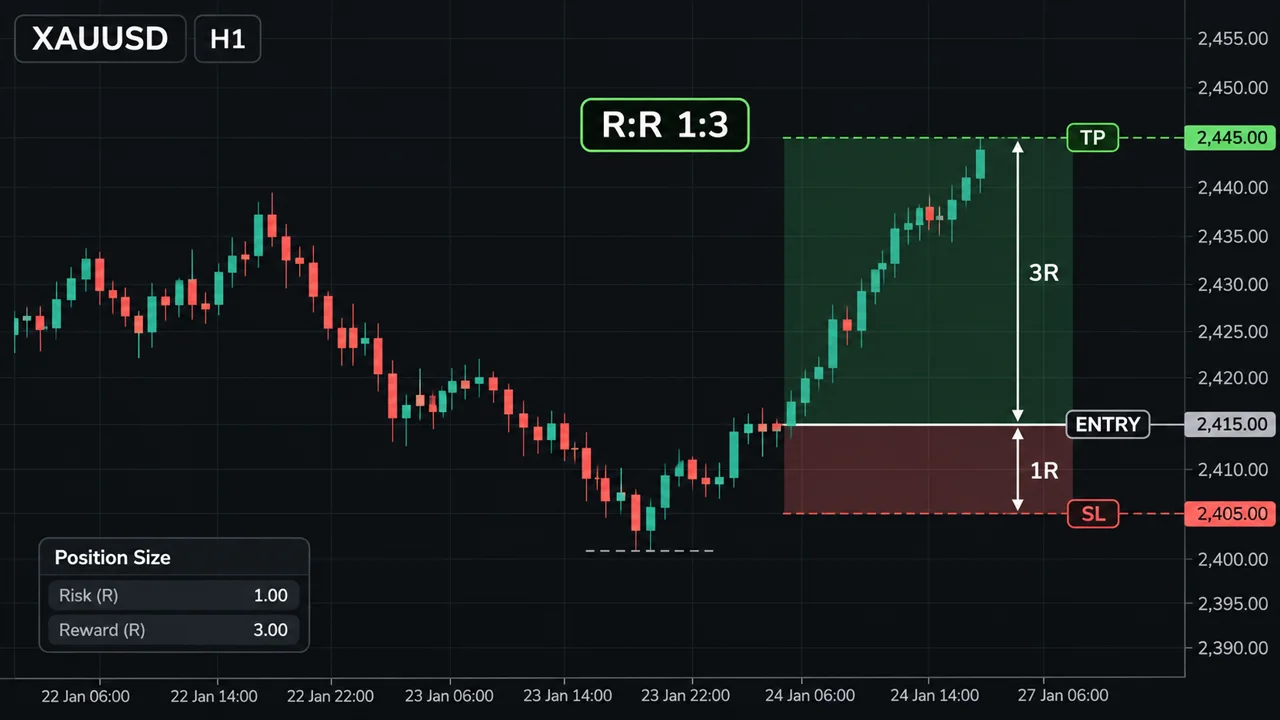
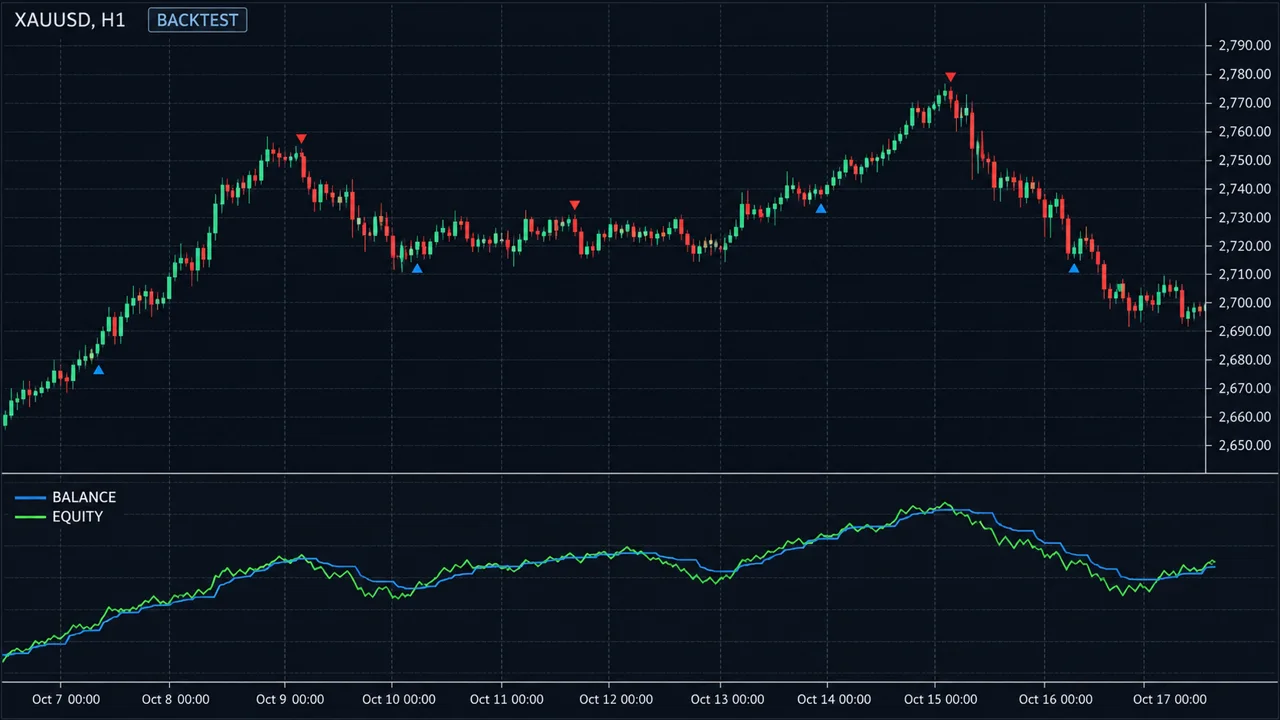
ดูภาพด้านล่าง
หลังเทรด: บันทึกทันที
- แคปหน้าจอกราฟตอนเข้าไม้และตอนออกไม้
- จดลงสเปรดชีตหรือแอปบันทึก: วันที่ ตลาด ทิศ ราคาเข้า SL TP ล็อต ผลลัพธ์เป็น R และทำตามแผนหรือไม่
- เขียนหนึ่งประโยคว่ารู้สึกอย่างไรตอนกด ข้อมูลนี้มีค่ามากเวลาทบทวน ดู บันทึกการเทรด
ทบทวนบนคอมพิวเตอร์เป็นระยะ
มือถือเหมาะกับการรับแจ้งเตือนและส่งคำสั่ง แต่การทบทวนผลรายสัปดาห์ การวิเคราะห์หลายกรอบเวลา และการทดสอบระบบ ทำบนจอใหญ่จะเห็นรายละเอียดมากกว่าและพลาดน้อยกว่า
จุดอ่อน / ข้อผิดพลาดที่พบบ่อย
- เทรดระหว่างเดินทางหรือขับรถ สมาธิแตก สัญญาณไม่เสถียร และอันตราย
- เปิดแอปดูทุกห้านาที การเฝ้ากำไรขาดทุนลอยทำให้ปิดไม้เร็วหรือเลื่อน SL หนีตามอารมณ์
- ไม่ใส่ SL ในคำสั่ง แล้วสัญญาณหลุดในช่วงราคาวิ่งแรง
- ดูกราฟแค่กรอบเล็ก จอเล็กทำให้ไม่อยากสลับกรอบเวลา จึงพลาดภาพใหญ่ ดู อ่านกราฟบนมือถือ
- เทรดตอนดึกบนเตียง ร่างกายล้า การตัดสินใจแย่ลง
- ไม่ได้บันทึกเพราะ "ขี้เกียจพิมพ์บนมือถือ" ทำให้ไม่มีข้อมูลไว้ปรับปรุง ใช้การแคปหน้าจอกับแบบฟอร์มสั้น ๆ แทน
ใช้บนมือถือ
สร้างโน้ตชื่อ "ก่อนกด" ไว้หน้าจอหลัก มีเช็คลิสต์ 5 ข้อ สูตรล็อต และขีดจำกัดรายวัน เปิดอ่านทุกครั้งก่อนส่งคำสั่ง และตั้งโหมดห้ามรบกวนให้ปิดแจ้งเตือนอื่นทั้งหมดช่วงเวลาที่เทรด เหลือแค่แจ้งเตือนราคา
สรุป
- ตั้งค่าแอปให้กดพลาดยาก: ปิดคลิกเดียว ล็อตเริ่มต้นเล็กสุด
- วางแผนก่อน แล้วรอแจ้งเตือนราคาแทนการเฝ้าจอ
- ไล่เช็คลิสต์และคำนวณล็อตก่อนกดทุกครั้ง ใส่ SL/TP ในคำสั่งเลย
- อ่านตัวเลขล็อตในหน้ายืนยันทุกครั้ง ทศนิยมเดียวเปลี่ยนความเสี่ยงได้สิบเท่า
- บันทึกทันทีหลังเทรด และทบทวนบนจอใหญ่เป็นระยะ
Many traders use a phone as their main device. It is convenient and you never miss a move, but the screen is small, mis-taps are easy, and the phone is always within reach, so emotional trades are always one tap away. The difference between amateur and professional mobile trading is not the app. It is a sequence of steps you repeat every time.
See the chart below.
Set up the phone and app first
- Turn off one-click trading if the app has it, so every order goes through a confirmation screen.
- Set the default lot to the minimum, so a mis-tap does the least damage.
- Trim the watchlist to the markets in your plan. You do not need to see every pair.
- Set up charts and templates with the same indicators you used when testing the system.
- Lock the phone and app with a passcode, and turn on two-factor authentication for the email linked to your broker.
Before trading: plan, then wait for alerts
- Each morning, or before the session you trade, check the higher timeframe and mark key support and resistance.
- Check the economic calendar for high-impact news during your trading window.
- Set price alerts at the levels you care about, then put the phone down. Waiting for alerts instead of watching the screen sharply cuts trades that are not in your plan.
During trading: the checklist before you tap
When an alert fires, do not tap straight away. Run a short checklist every time.
- Are all entry conditions of the system met?
- Where is the stop, and how far away?
- Lot size calculated from the money at risk.
- What is the target or exit plan?
- Have you already hit today's loss limit?
Then enter SL and TP on the order ticket itself, not "later", because a mobile connection or battery can die at any moment. To see how far price has historically moved against an entry in similar situations, the chart analysis tool can help when placing the stop.
An $800 account risking 1% = $8 per trade. EURUSD with a 20-pip stop: lot = 8 ÷ (20 × 10) = 0.04 lots. Gold with a $4 stop: lot = 8 ÷ (4 × 100) = 0.02 lots. Type 0.40 instead of 0.04 on EURUSD and the loss at the stop = 20 × 10 × 0.40 = $80 = 10% of the account. Type 1.00: 20 × 10 × 1.00 = $200 = 25% of the account on a single trade. One decimal place on a small screen turns 1% risk into 10% instantly. Read the lot on the confirmation screen every time.
See the charts below.
After trading: log it immediately
- Screenshot the chart at entry and at exit.
- Log it in a spreadsheet or journal app: date, market, direction, entry, SL, TP, lot, result in R, and whether you followed the plan.
- Write one sentence about how you felt when you tapped. It is very valuable at review time. See Trading journal.
Review on a computer regularly
A phone is good for alerts and orders. Weekly reviews, multi-timeframe analysis and system testing are better on a big screen, where you see more detail and make fewer mistakes.
Weaknesses / common mistakes
- Trading while commuting or driving. Poor focus, unstable connection, and dangerous.
- Opening the app every five minutes. Watching floating P&L leads to early exits and stops moved out of fear.
- No stop in the order, then the connection drops during a fast move.
- Only looking at low timeframes. The small screen discourages switching timeframes, so you miss the bigger picture. See Reading charts on mobile.
- Trading late at night in bed. Fatigue degrades decisions.
- Skipping the journal because typing on a phone is tedious. Then there is no data to improve from. Use screenshots plus a short form instead.
On a phone
Create a note called "Before I tap" on your home screen with the five-point checklist, the lot formula and your daily limit. Read it before every order. Use do-not-disturb mode during your trading window so only price alerts get through.
Summary
- Set the app up so mis-taps are hard: one-click off, minimum default lot.
- Plan first, then wait for price alerts instead of watching the screen.
- Run the checklist and calculate the lot before every order; put SL/TP on the ticket.
- Read the lot on the confirmation screen every time; one decimal can multiply risk tenfold.
- Log every trade straight away and review on a big screen regularly.